k8X Namespaces
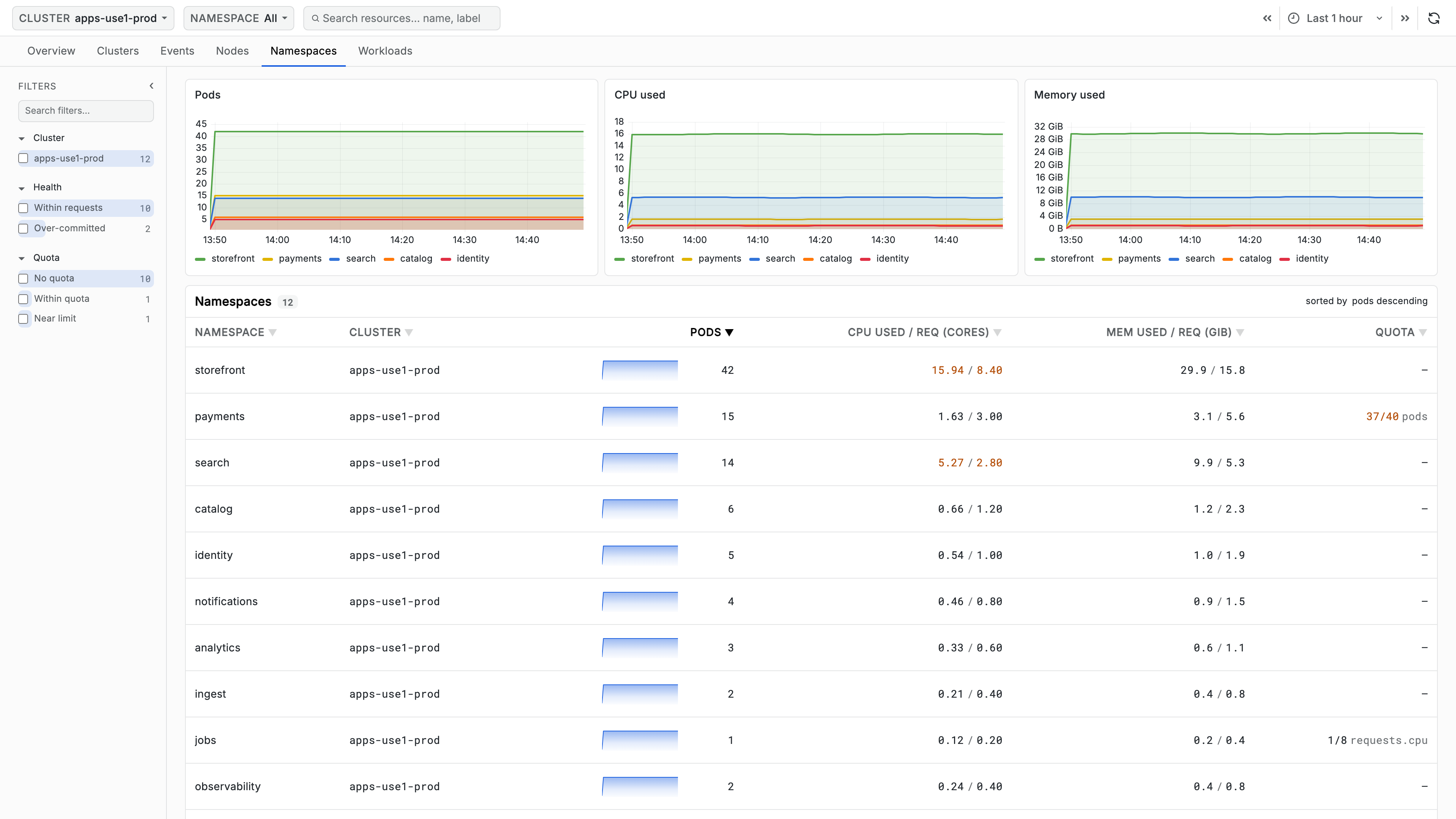
The Namespaces tab shows how each namespace's actual resource use compares to what it asked for, and how close it is to any quota. It is the tab for capacity questions: who is using more than they reserved, and who is about to stop being able to schedule.
Filters
| Facet | Use it to... |
|---|---|
| Cluster | Narrow to one cluster's namespaces |
| Health | Show only Over-committed or Within requests namespaces |
| Quota | Show namespaces with No quota, Near limit, or Within quota |
There is deliberately no Namespace facet here - the namespace selector in the top bar already does that job, and every row is a namespace.
Namespace List
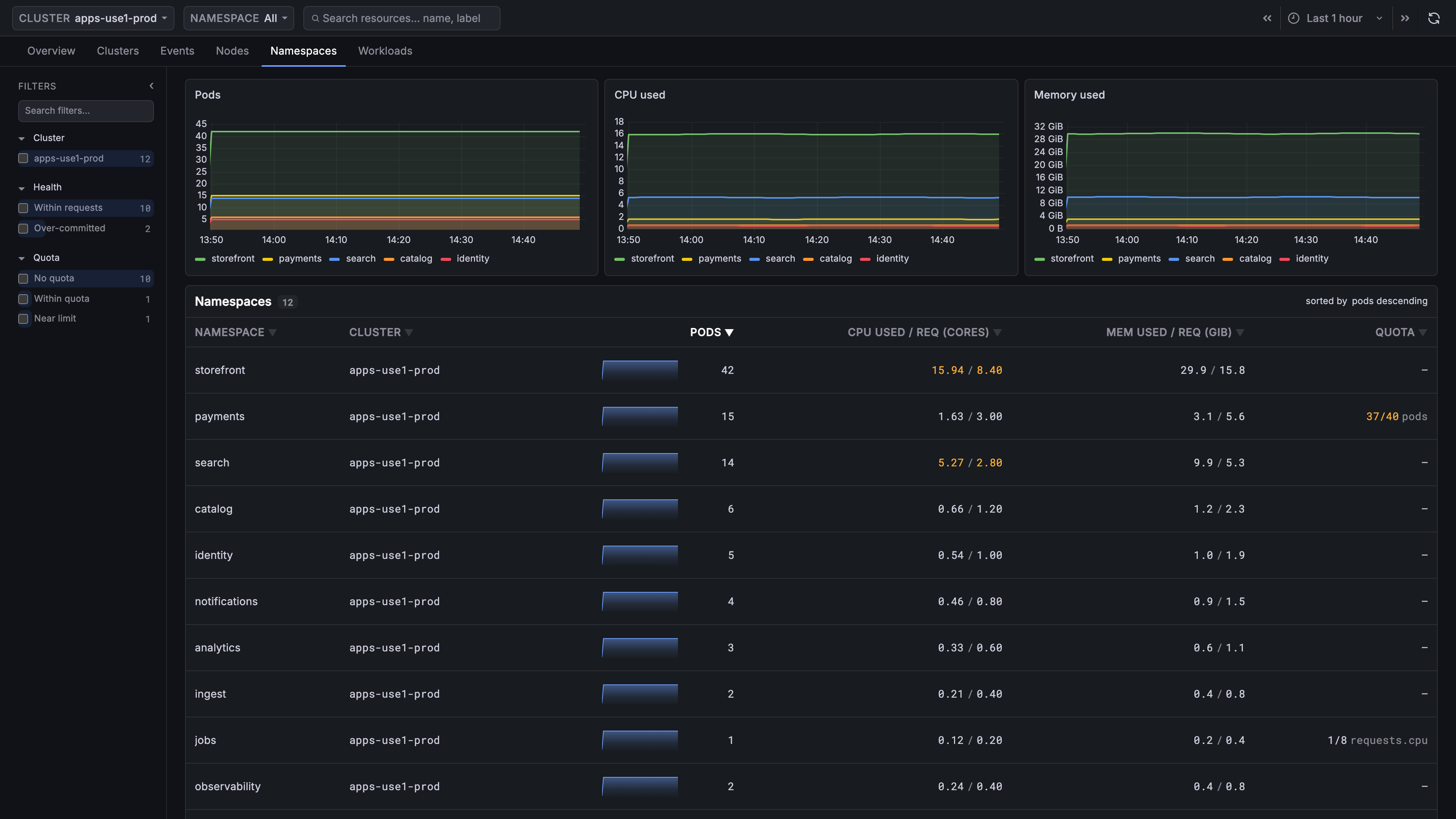
The three charts above the table cover the top five namespaces by pod count: Pods, CPU used, and Memory used.
| Column | Description |
|---|---|
| Namespace | The namespace's name |
| Pods | Sparkline and current pod count |
| CPU used / req (cores) | CPU in use against CPU requested, in cores. Turns orange when use exceeds requests |
| Mem used / req (GiB) | Memory in use against memory requested, in GiB. Turns orange when use exceeds requests |
| Quota | Usage against the tightest resource quota, as 12/20pods. Orange at 90% of the limit. — when the namespace has no quota |
Rows are sorted by pod count by default.
Selecting a row scopes the app to that namespace and opens the Workloads tab.
If CPU used / req and Mem used / req show usage with no requested
value, the container request metrics are not enabled on the collector. If
Quota is — everywhere including namespaces you know have quotas, the
k8sobjects receiver is not collecting resourcequotas. See
Before You Start.
Over-committed
A namespace is over-committed when it uses more of a resource than it
requested. That is not an error - Kubernetes allows it, and bursty workloads
do it routinely - but it is fragile. The scheduler places pods by requests, so
a namespace running above its requests is relying on headroom that belongs to
nobody. When the node fills, those pods are the ones evicted or throttled.
Hovering the value says as much:
Using more CPU than the namespace requests — unschedulable if the node fills.
The fix is usually to raise requests to match observed use, not to reduce use.
Near Limit
The Quota column tracks the tightest quota in the namespace, whichever
resource that happens to be, and names it - 12/20pods means 12 of 20
permitted pods. At 90% it turns orange, because a quota is a hard admission
boundary: at the limit, new pods are rejected outright rather than queued.
Use Cases
Finding Namespaces That Under-Request
- Filter Health to
Over-committed - Compare each namespace's used value against its requested value to size the gap
- Open Workloads for the namespace to find which workloads drive the usage, then raise their requests to match
Catching a Quota Before It Blocks a Deploy
- Filter Quota to
Near limit - Read which resource is tight - the column names it
- Either raise the quota or reclaim room; the Workloads tab scoped to the namespace shows what is consuming it
Planning Capacity for a New Workload
- Check the target namespace's CPU used / req and Mem used / req for how much of its reservation is genuinely in use
- Check Quota for admission headroom
- Confirm on Nodes that the cluster has uncommitted capacity - a namespace can be within quota while every node is fully requested
FAQ
What does over-committed mean, and is it an error?
It means the namespace is using more of a resource than it requested. That is legal and bursty workloads do it routinely, but it is fragile: the scheduler places pods by requests, so those pods are relying on headroom nobody owns and are the first evicted or throttled when the node fills.
Should I reduce usage or raise requests?
Usually raise requests to match observed use. The usage is real work; the requests are the promise the scheduler acts on, and closing the gap is what makes the namespace schedulable under pressure.
Why is the Quota column — for a namespace I know has quotas?
— for a namespace I know has quotas?If Quota is — everywhere, including namespaces with quotas you
configured, the k8sobjects receiver is not collecting resourcequotas. A —
on a single namespace just means that namespace has no quota.
Related Guides
- Getting Started - Prerequisites and interface layout
- Clusters - Cluster-level capacity these namespaces draw on
- Nodes - Per-node committed resources and remaining capacity
- Workloads - The workloads consuming a namespace's resources