Promote to Production
Promotion is how you deploy a tested prompt version to production. Once promoted, all SDK and API consumers automatically receive the new version. This guide covers the promotion flow, history tracking, and rollback.
How Promotion Works
Promotion is an atomic operation:
- The selected draft version becomes published (production)
- The previously published version is archived automatically
- The change takes effect immediately for all API and SDK consumers
There is no window where two versions are simultaneously in production. The switch is instant.
Promote a Version
- Open the prompt from the prompt list
- Select the draft version you want to promote
- Click Promote
- Optionally add promotion notes (e.g., "Improved tone for enterprise customers")
- Confirm the promotion
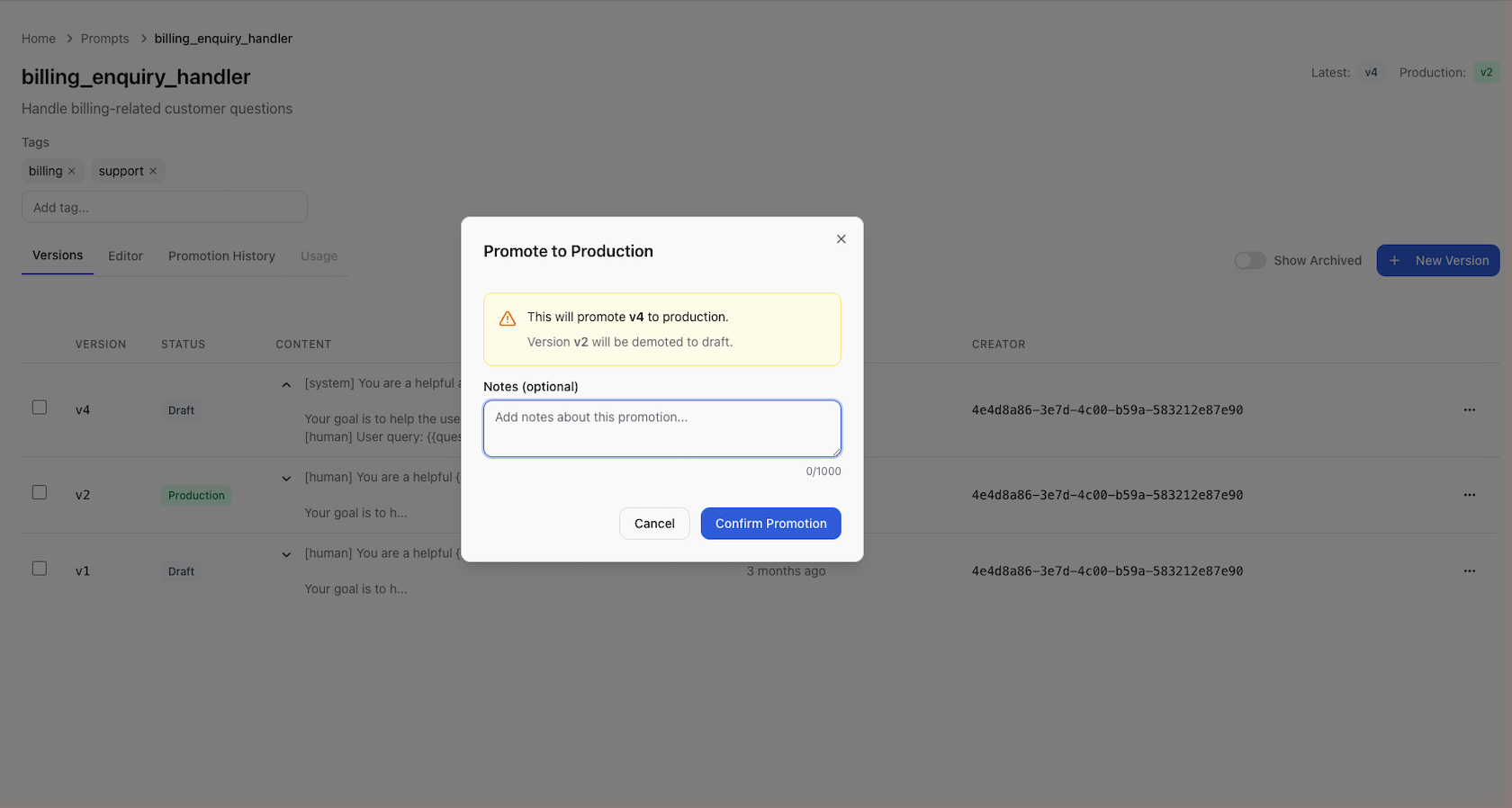
The version status changes from draft to published, and the previous production version (if any) is archived.
Always test a version before promoting it. Use the test panel to verify the output with real variable values and different models.
Promotion History
Every promotion is recorded with:
| Field | Description |
|---|---|
| Version | Which version was promoted |
| Promoted by | The user who performed the promotion |
| Promoted at | Timestamp of the promotion |
| Previous version | Which version was in production before |
| Notes | Optional changelog or reason for the promotion |
To view promotion history:
- Open the prompt
- Navigate to the Promotion History tab or section
History is sorted newest-first by default and can be filtered by user or date range.
Rolling Back
To roll back to a previous version:
- Open the prompt's promotion history
- Find the version you want to restore
- If the version is archived, unarchive it first to return it to draft status
- Promote the restored version
There is no dedicated "rollback" button. Rolling back is simply promoting a previous version again. This keeps the promotion history linear and auditable.
Next Steps
- Working with Versions — version lifecycle and archiving
- Testing Prompts — verify prompts before promoting
- Versioning (Platform) — version data model and resolution logic