scout service-map
Visualize service dependencies and topology. Shows which services communicate with each other, the span names involved, and when the connections were last observed.
Usage
scout service-map [flags]
Flags
| Flag | Type | Default | Description |
|---|---|---|---|
--service | string | — | Filter to specific services. Repeatable |
--since | duration | 1h | Time window (max: 1 hour). Conflicts with --start |
--start | RFC 3339 | — | Start time. Conflicts with --since |
--end | RFC 3339 | — | End time. Requires --start |
--raw | bool | false | Output JSON |
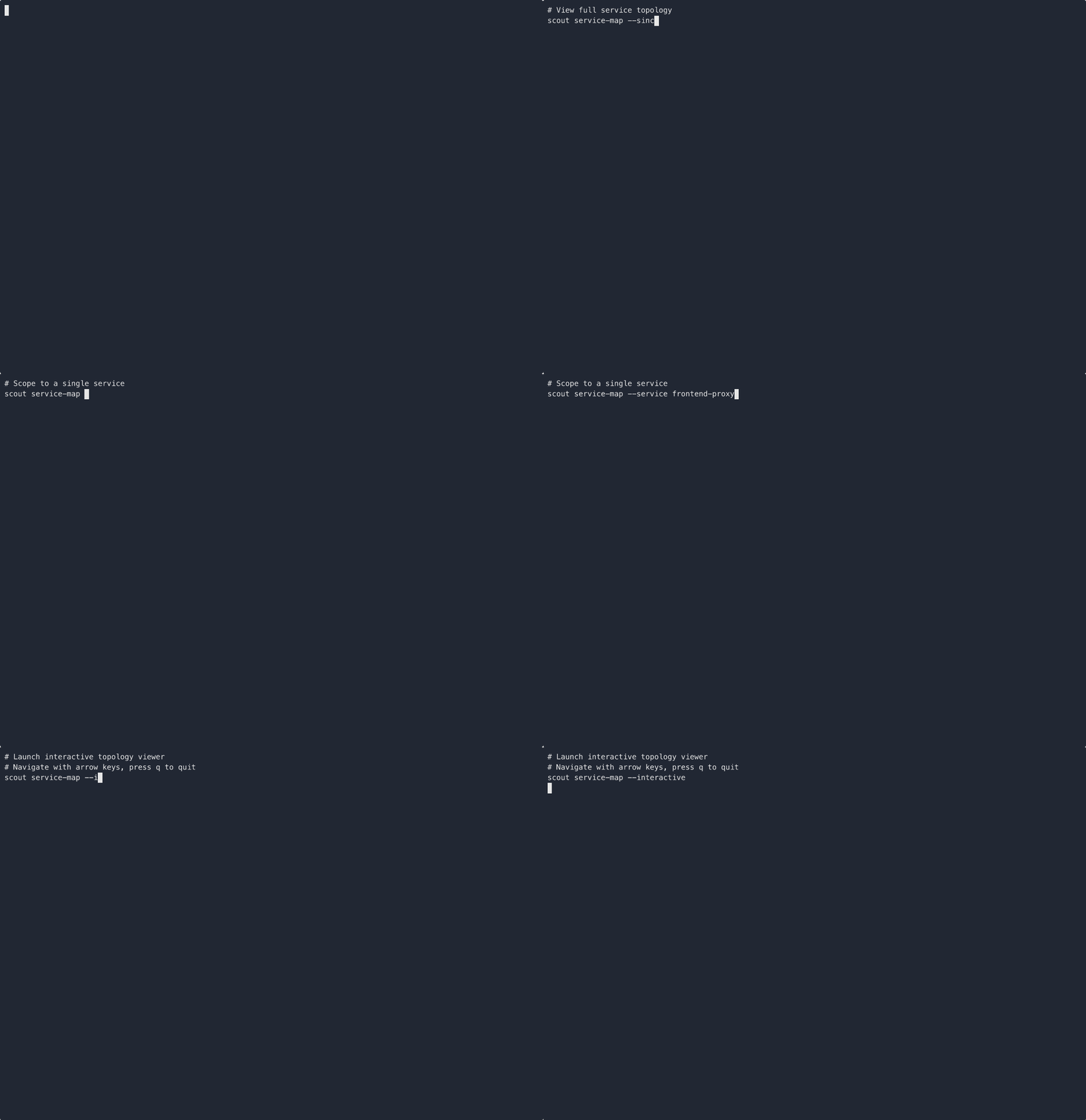
--interactive | bool | false | Launch interactive TUI view |
Examples
Show the full service topology:
scout service-map
Filter to specific services:
scout service-map --service payment --service notification
Show topology for the last 30 minutes:
scout service-map --since 30m
Launch the interactive terminal view:
scout service-map --interactive
Export as JSON for further analysis:
scout service-map --raw
tip
Use --interactive to explore the service topology in a terminal-based UI that
lets you navigate between services and their connections.
note
The maximum time range is 1 hour. Dependencies are grouped by source and target service pairs with deduplicated span names.
See Also
Was this page helpful?